Add accounts in seconds
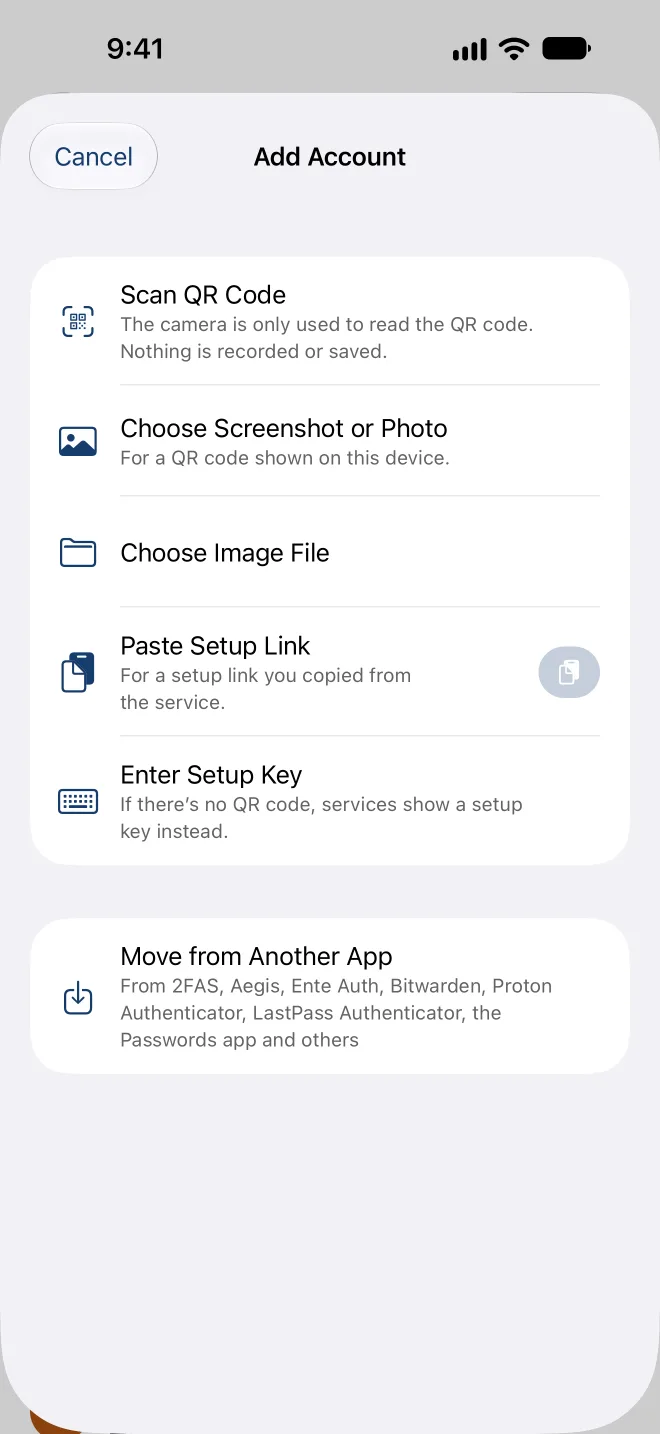
Scan the QR code, choose a screenshot or open the setup link. If a service only shows a setup key, type it in.

Codes for two-step verification
FairAuth keeps the codes that protect your accounts on your iPhone, iPad and Mac: encrypted, backed up the way you choose, and yours to take along at any time.
For iPhone and iPadComing soon to the App Store
For MacComing soon to the App Store
Try FairAuth free for 7 days
No subscription. The trial ends by itself, nothing is charged automatically.
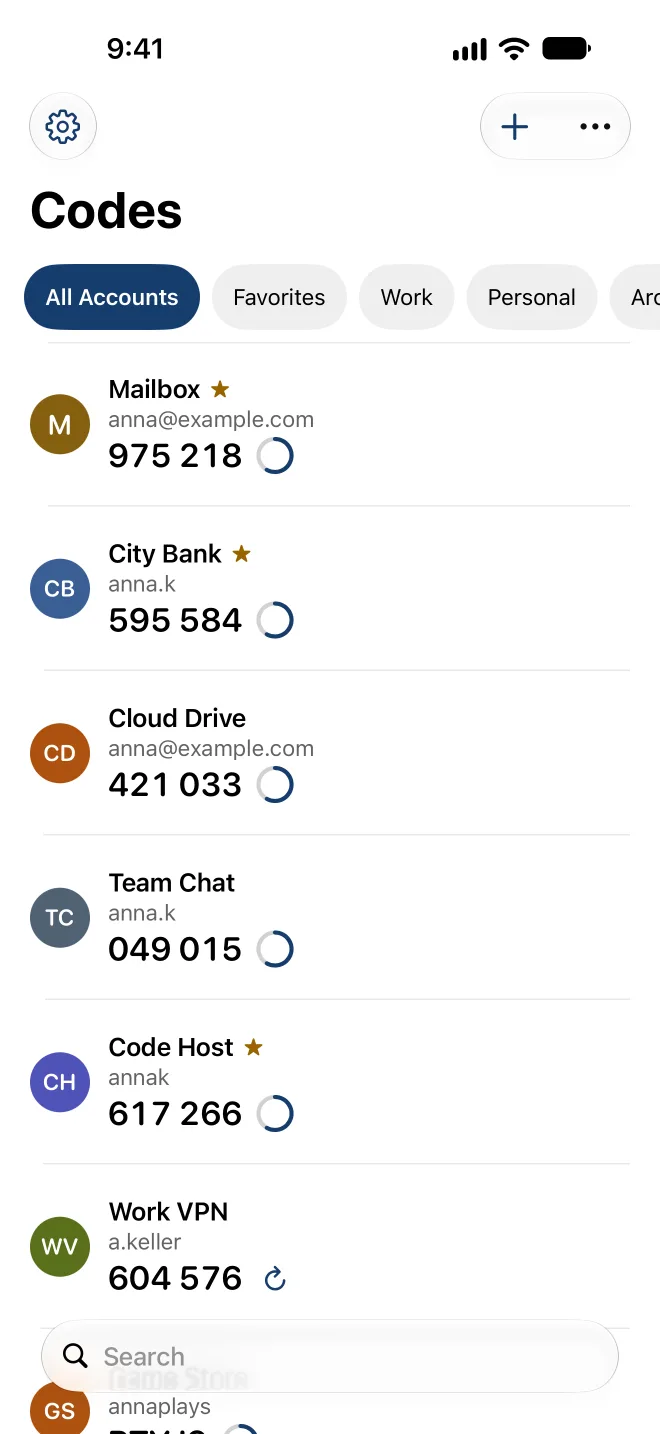
Scan the QR code, choose a screenshot or open the setup link. If a service only shows a setup key, type it in.
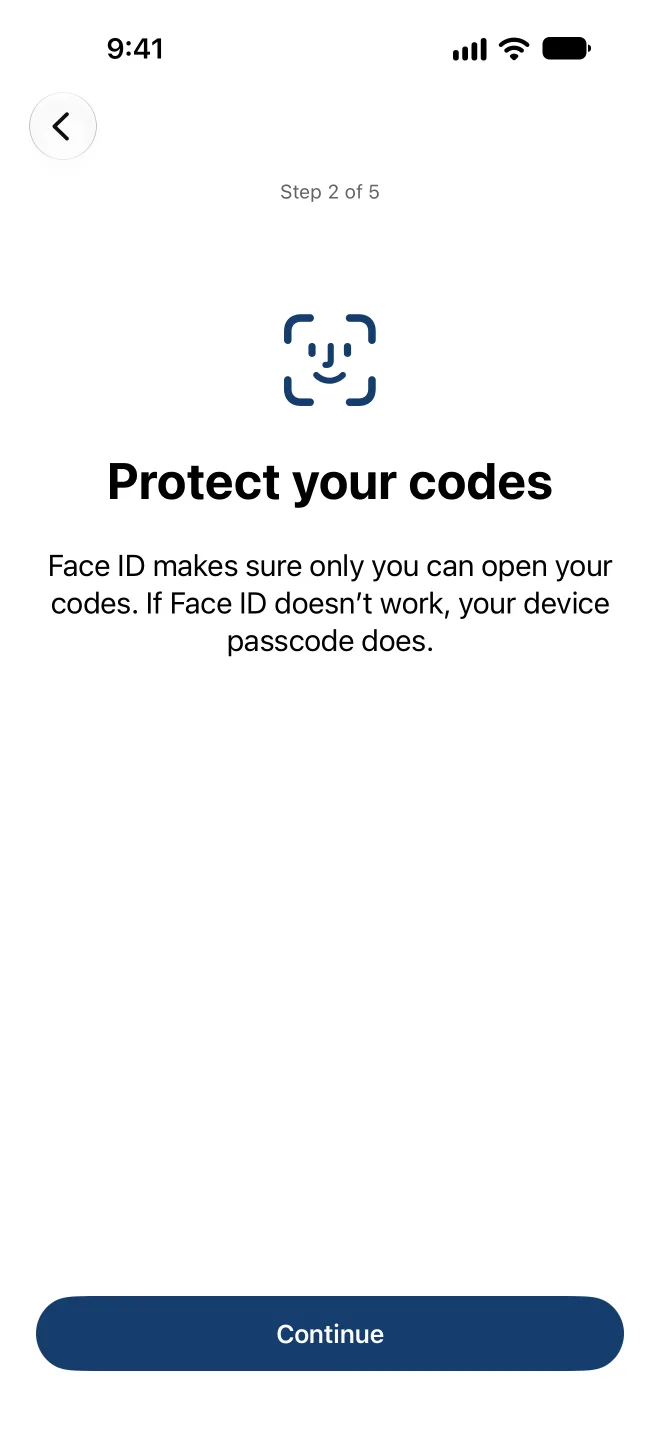
FairAuth opens only with Face ID, Touch ID or your device passcode. Codes stay hidden in the app switcher and while the screen is being recorded.
iCloud Sync, end-to-end encrypted, or a backup file in a place you choose: a USB drive, your NAS or your own cloud storage. The file format is published.

A real Mac app, not an iPhone app in a window: your codes in the menu bar, QR codes read straight from the screen, and AutoFill. With iCloud Sync, your Mac has the same accounts as your iPhone.
FairAuth reads the export files of 2FAS, Aegis, Ente Auth, Bitwarden, Proton Authenticator, LastPass Authenticator, the Passwords app and others, and the transfer codes of Google Authenticator. For apps without an export, a checklist guides you account by account.
More than 3,000 logos of well-known services come with the app, free of charge. The search runs on your device, so no server learns which services you use.
With AutoFill, FairAuth suggests the right code when you sign in to a website or an app.
Large text, VoiceOver and 24 languages. Plain words instead of technical terms, and a help that works without an internet connection.
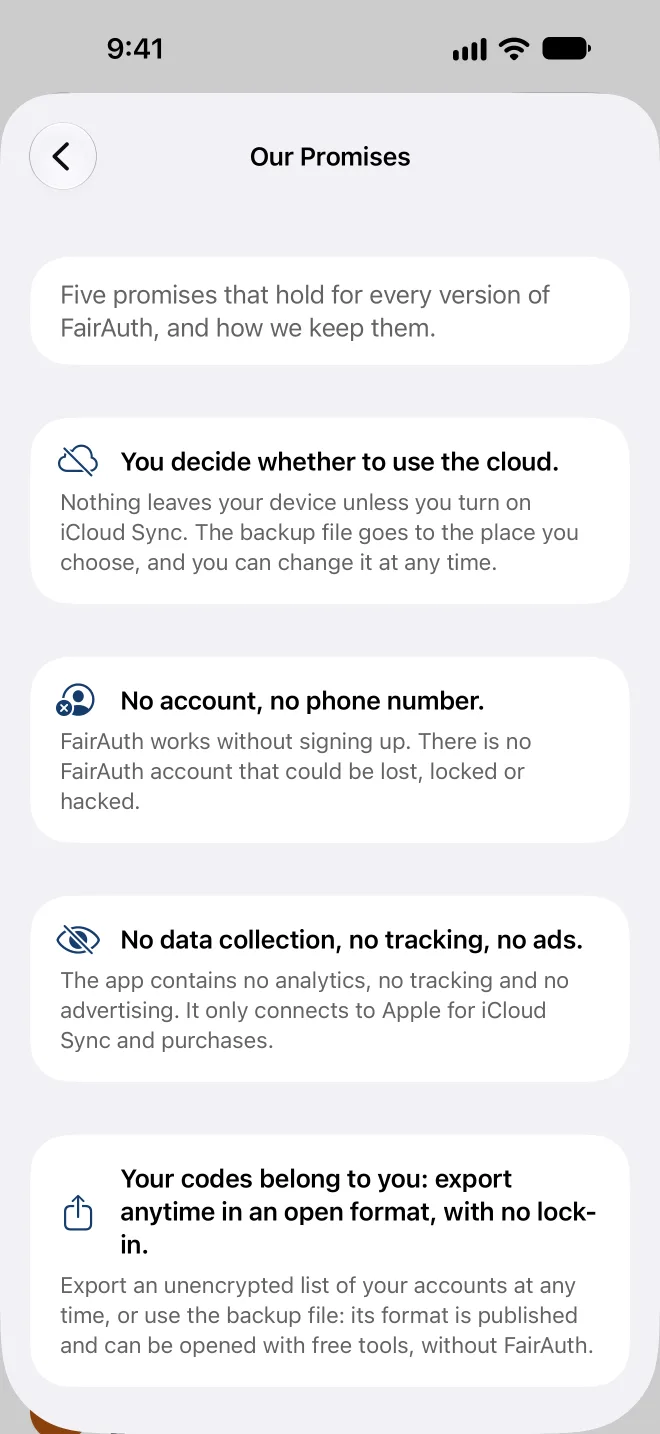
Five promises that hold for every version of FairAuth, and how we keep them.
FairAuth works without signing up. There is no FairAuth account that could be lost, locked or hacked.
Nothing leaves your device unless you turn on iCloud Sync. The backup file goes to the place you choose, and you can change it at any time.
The app contains no analytics, no tracking and no advertising. It only connects to Apple for iCloud Sync and purchases.
Export an unencrypted list of your accounts at any time, or use the backup file: its format is published and can be opened with free tools, without FairAuth.
Viewing and copying codes, both backups, restoring and exporting always work, with or without a purchase.
During the trial, everything works. Afterwards you keep everything you have: your codes, your backups and your export stay free forever.
No subscription. The trial ends by itself, nothing is charged automatically.
For iPhone and iPadComing soon to the App Store
For MacComing soon to the App Store
This help is part of the app and works without an internet connection.